
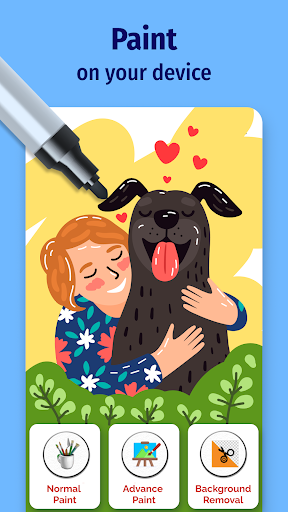
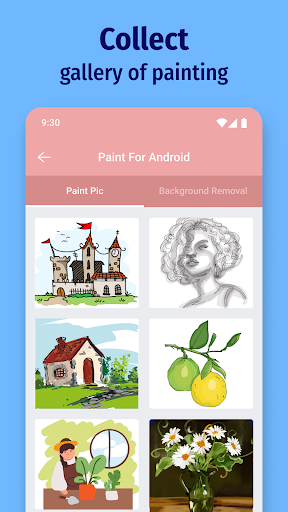
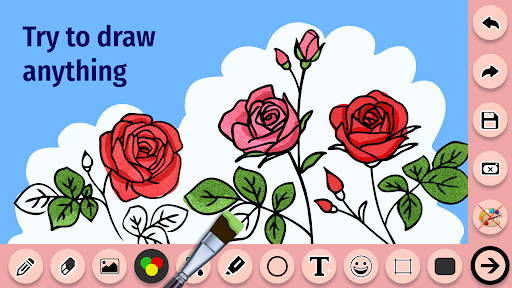
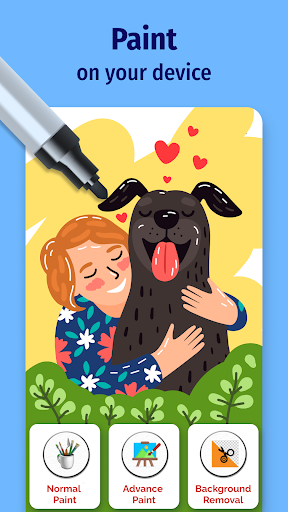
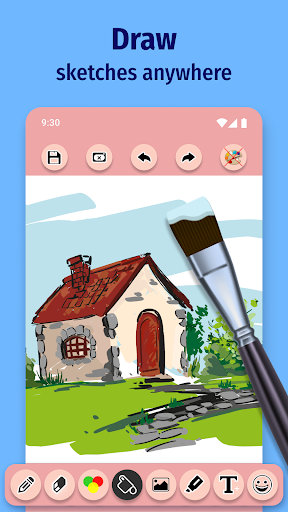
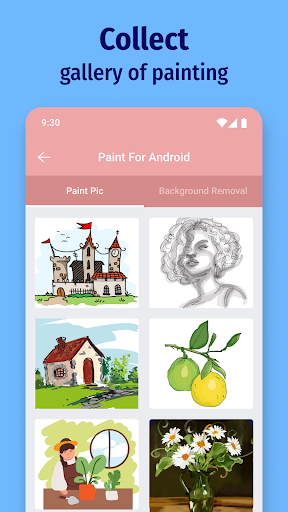
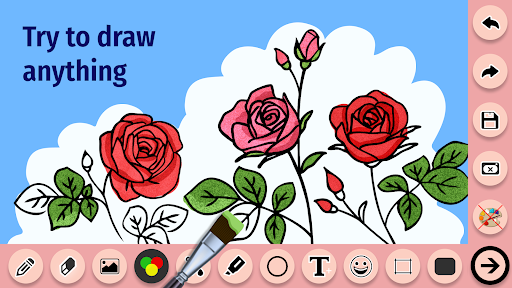
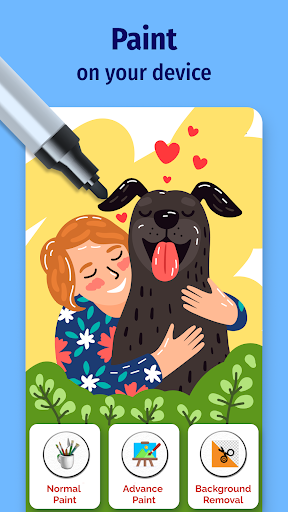
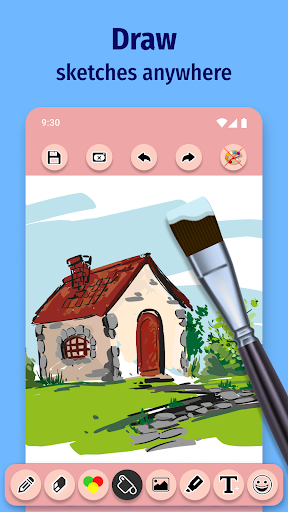
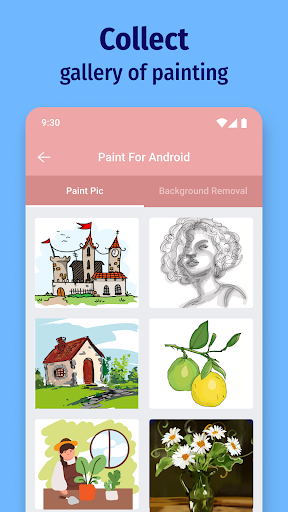
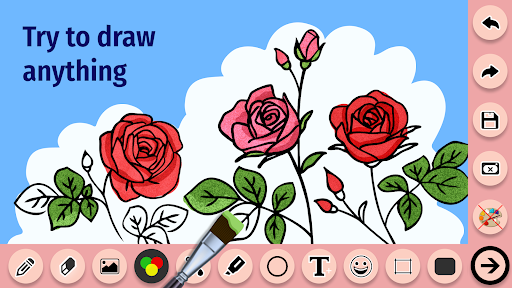
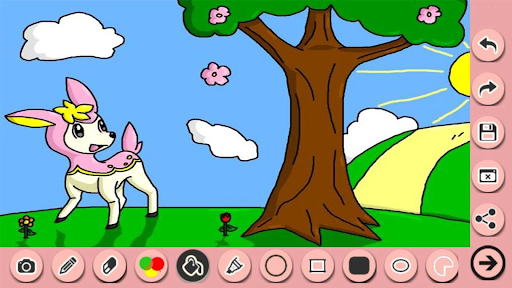
Paint for Android is a drawing app designed to help you transform your visual concepts into digital sketches. It provides tools for painting, adding details, and creating images that can be shared. Whether you have a specific scene in mind, wish to doodle casually, or want to add a personal message to a picture, the app allows you to develop simple ideas like a house, a flower, or a greeting for a friend into a finished piece. Its core function is to facilitate the creation of digital artwork from an initial thought or an existing image.
Creating Digital Artwork
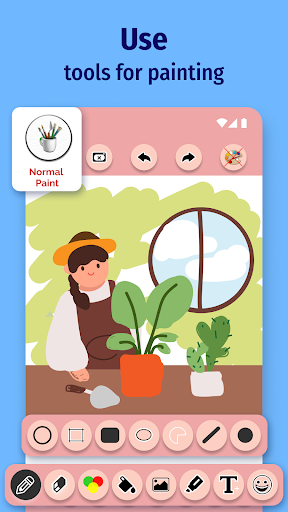
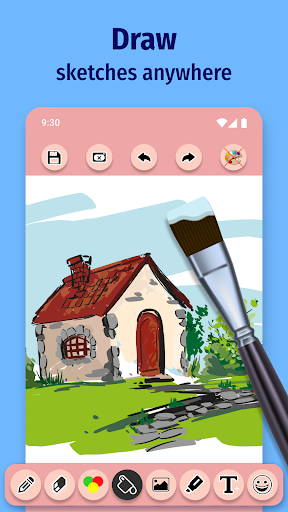
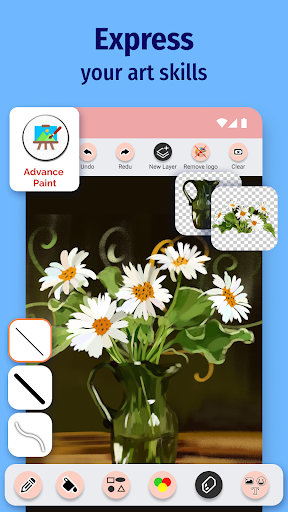
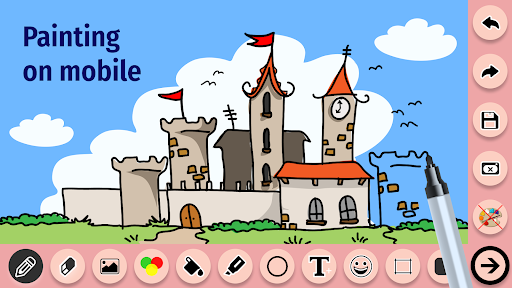
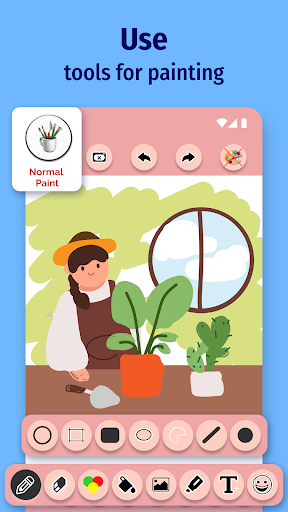
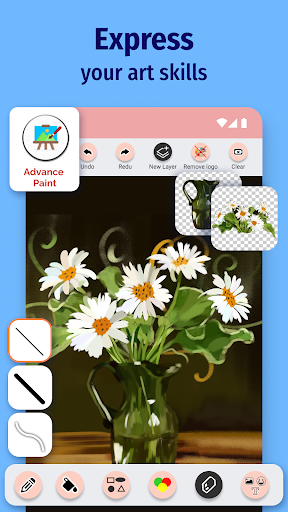
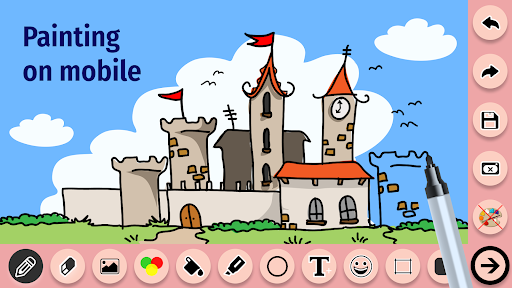
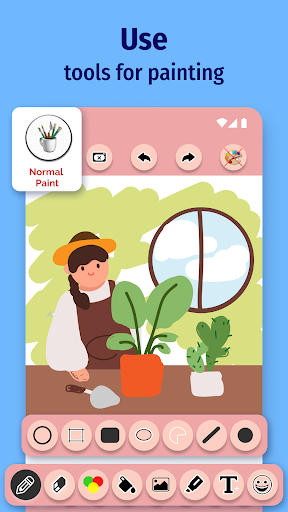
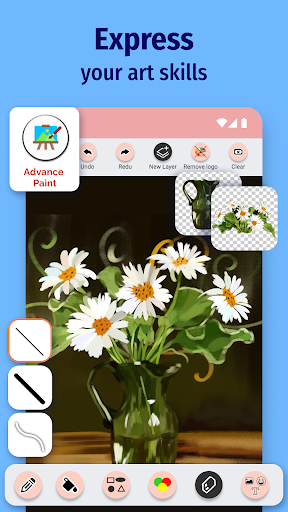
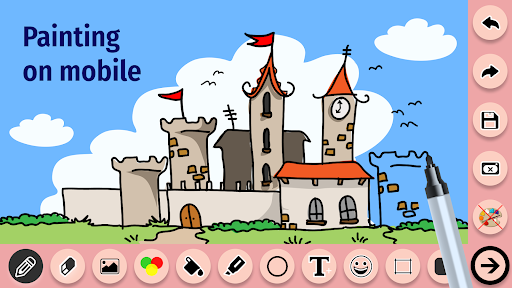
The app offers a selection of brushes to achieve various stroke types, enabling users to build pictures with different textures and styles. For structured compositions, you can incorporate basic geometric shapes such as circles, ovals, and rectangles. This allows for a combination of freehand drawing and precise object placement within your digital creations.
Enhancing Photos and Adding Text
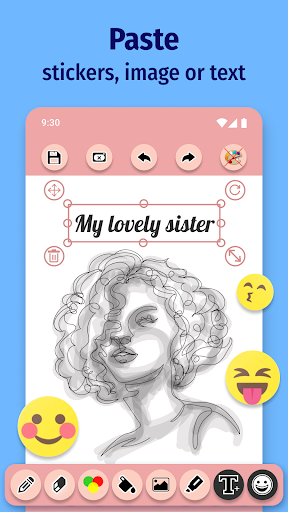
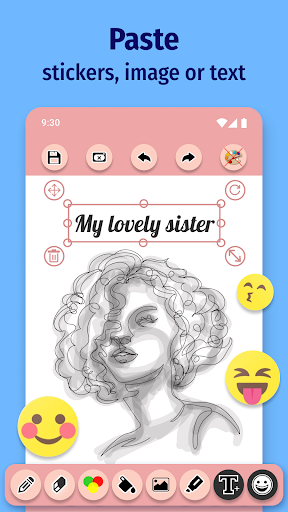
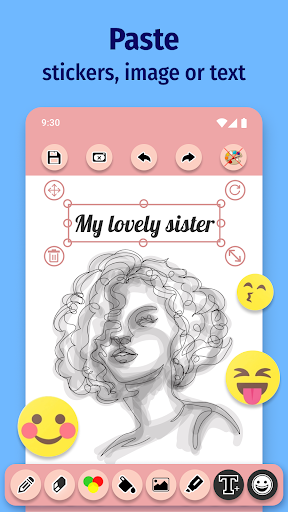
Beyond starting from a blank canvas, Paint for Android supports drawing directly onto existing photos. This feature is useful for adding your own details, annotations, or artistic flair to images from your device. You can also add text overlays, which are practical for including names, captions, or short messages to personalize your artwork or convey specific information. The app requires access to your device’s photos and media solely to allow for importing images for these editing and painting tasks, as well as for saving your completed work.
Refining and Sharing Your Creations
To help refine your work, the app includes an eraser tool for correcting marks, along with undo and redo functions to revert or reapply changes as needed. Once your picture is ready, you can save it directly to your device. The app also facilitates sharing your finished artwork with others, making it simple to distribute your creations. A recently added feature includes a new paint tool, expanding the available options for artistic expression within the app.









Write a review